


How to install the Pay-per-minute Plugin
The Pay-per-Minute plugin is the software that the Models use to charge SkyPrivate Members for calls on Teams, Discord or Telegram.
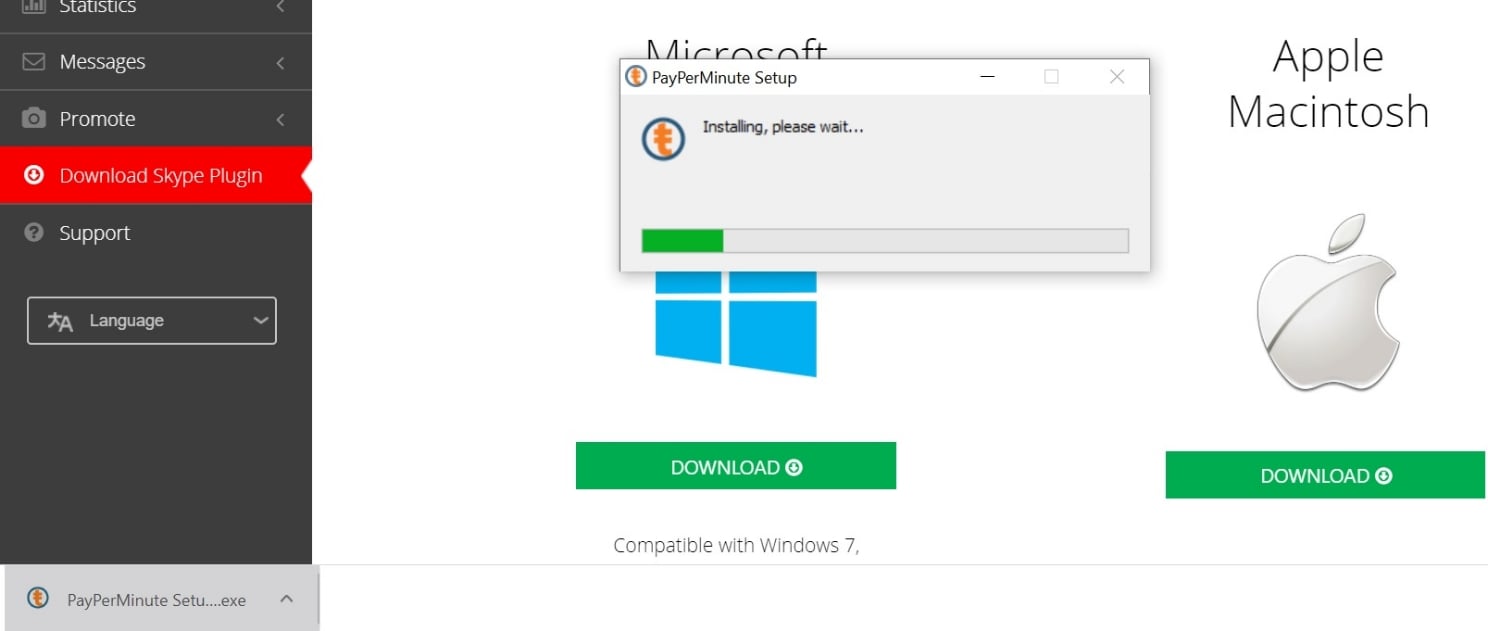
Step 1: Download the plugin
Log into your account, scroll down to “Download Plugin”, and just download the plugin for Windows or Mac.

Step 2: Install the plugin
Once you’ve downloaded the plugin, install it on your computer.
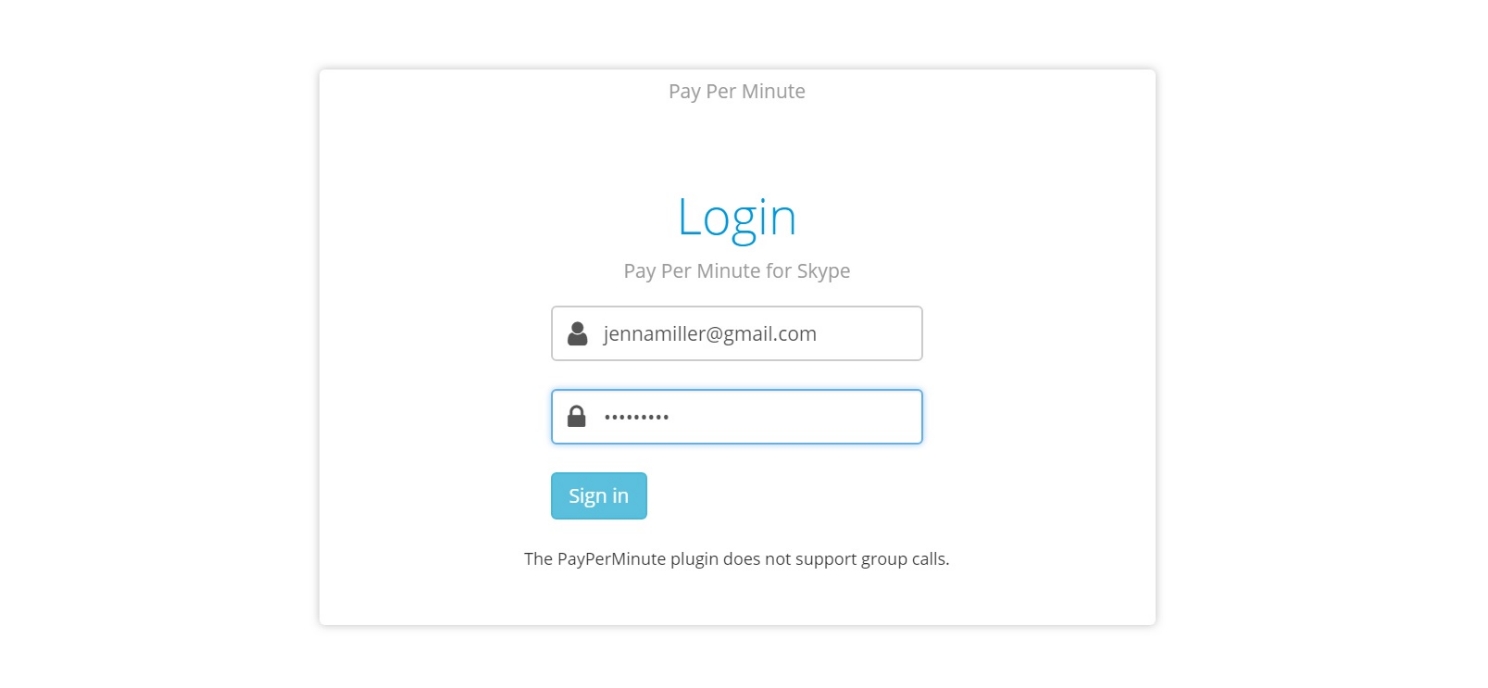
Step 3: Log into the plugin
Enter your SkyPrivate email and password to login.
Step 4: Link your Services Information
Click the Link account button to link your Discord account or Teams account to your SkyPrivate account. In short, this is the step where you choose what Discord or Teams account you want to use to provide shows to our Members.To do that, just enter your Teams email and password or your Discord email and password.
You only need to take this step once: the first time that you log into the plugin.

Step 5: Stay connected
Once you’ve linked your Teams or Discord account to your SkyPrivate account, you will see the message “Connected” in the plugin.
As long as you keep the plugin open on your computer and the message “Connected” is displayed, you will appear online on the Profiles Page and you can charge calls from SkyPrivate Members.


We accept BTC, ETH, LTC, USDC from members and offer models & studios BTC ETH USDC USDT payouts
- Anonymous Payments
- Higher transaction volumes
- Faster Crypto Payments

This site contains sexually explicit material.
EnterAll models are at least 18 years old and have verified their identity. Enter ONLY if you are Over 18 and you agree to our Cookie policies. By using the site I accept the Terms and Conditions and Privacy Policy.
No, I’ll Leave


